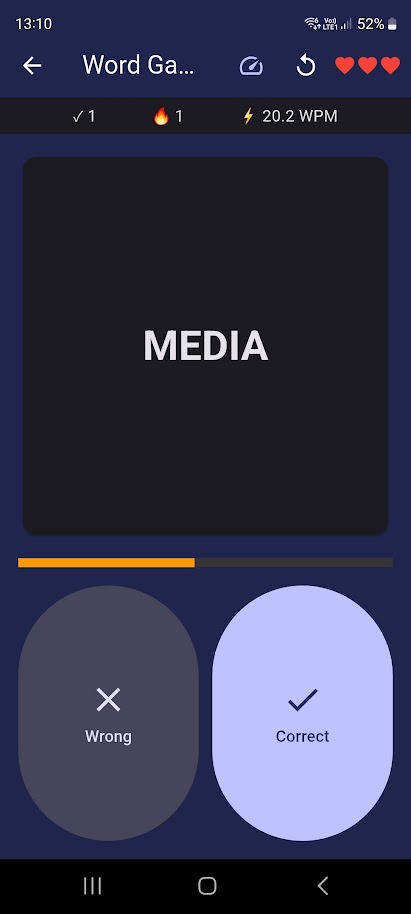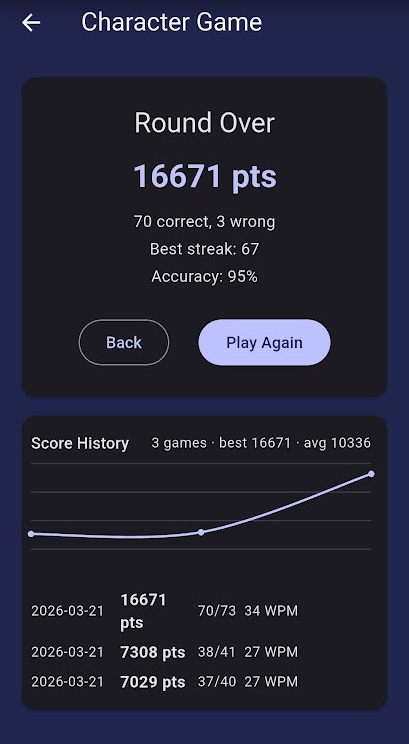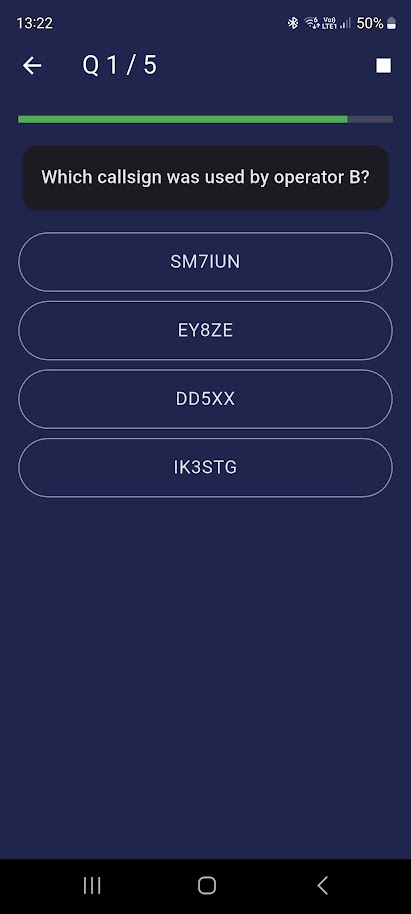
Every training mode has a Quick Game button that launches a timed listening quiz. Games are designed for short, focused sessions of 5 – 10 minutes.
Unlike every other page in this guide, games don't ask you to hide the text —
judging whether what's shown matches what you heard is the game
mechanic itself, not a shortcut around it. The Callsign Pick Game (below) goes
further and never uses TTS at all, by design.
Character Match
From: Character Training
Timer: 4 seconds
Lives: 3 wrong = game over
Pool: Characters at current Koch level
Word / Callsign Match
From: Word Training
Timer: 6 seconds
Lives: 3 wrong = game over
Pool: Words (filtered by length) or callsigns
Phrase Error Spotter
From: Text Training
Timer: 10 seconds
Lives: 3 wrong = game over
Pool: Sentences up to selected word count
HAM Abbreviations Game
From: Word Training → HAM Abbreviations
Timer: 6 seconds
Lives: 3 wrong = game over
Pool: Standard CW abbreviations (QRM, RST, 73, …)
Callsign Pick Game
From: Word Training → Call Signs
Timer: 6 seconds
Lives: 3 wrong = game over
Pool: Callsigns with Morse-confusable foils
QSO Quiz
From: Text & QSO Training → QSO Game
Timer: 15 s / question
Questions: 4 – 10 per QSO
Pool: Standard ragchew / training QSO
SOTA Game
From: Text & QSO Training → SOTA Game
Timer: 15 s / question
Questions: 4 – 10 per QSO
Pool: SOTA activation QSO with real summit references
POTA Game
From: Text & QSO Training → POTA Game
Timer: 15 s / question
Questions: 4 – 10 per QSO
Pool: POTA activation QSO with real park references
Contest Game
From: Text & QSO Training → Contest Game
Timer: 15 s / question
Questions: 4 – 10 per QSO
Pool: WPX / ARRL DX / CWops CWT (selected formats)